
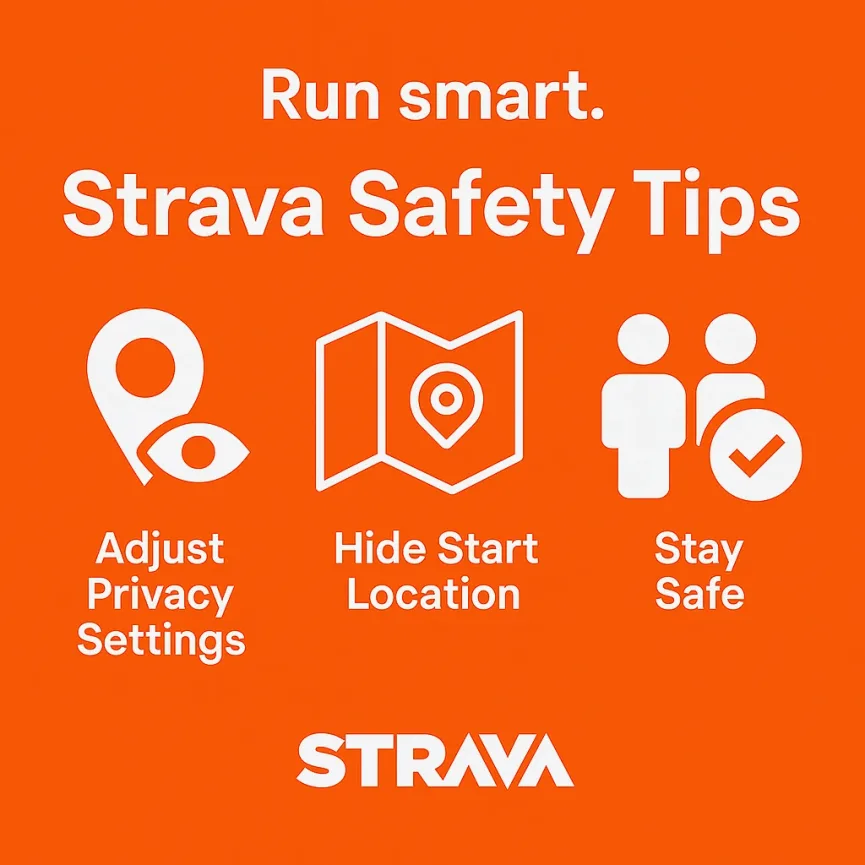
Why Strava Privacy Matters
Using Strava is a fantastic way to track your runs and connect with fellow athletes. However, sharing your routes can inadvertently expose personal information, like your home address or daily routines. Let’s explore how to use Strava’s privacy settings effectively to keep your activities secure.
Key Strava Privacy Features
1. Privacy Zones
Strava allows you to create Privacy Zones around specific locations, such as your home or workplace. Activities that start or end within these zones will have the corresponding portion of the route hidden from others.
- How to Set Up:
- Go to Settings > Privacy Controls > Map Visibility.
- Add a privacy zone by entering an address and selecting a radius.
Note: It’s advisable to create multiple overlapping zones around your home to ensure better coverage.
2. Map Visibility Settings
Strava offers options to hide the start and end points of your activities:
- Hide Start and End Points: You can automatically hide a specified distance (up to 1 mile) from the start and end of your activities.
- Hide Entire Map: For sensitive activities, you can choose to hide the entire route map.
These settings can be adjusted per activity or set as defaults in your privacy controls.
3. Activity Privacy Controls
You can control who sees your activities:
- Everyone: All Strava users can view your activity details.
- Followers: Only approved followers can see your activities.
- Only You: Activities are private and visible only to you.
Set your default preference in Settings > Privacy Controls > Activities.
4. Group Activity Privacy
Strava can automatically group your activity with others who were running or cycling nearby at the same time. You can control this feature:
- Everyone: Anyone can see that you were part of a group.
- Followers: Only your followers can see group associations.
- No One: Disable grouping entirely.
Adjust this in Settings > Privacy Controls > Group Activities.
Practical Safety Tips
- Start/End Away from Home: Begin and finish your runs at a location away from your residence to prevent revealing your home address.
- Vary Your Routes: Avoid running the same route at the same time every day to make your patterns less predictable.
- Inform Someone: Let a friend or family member know your running plans and expected return time.
- Be Cautious with Sharing: Think twice before sharing run details on social media, especially if your account is public.
- Wear Bright clothing: Being seen by pedestrians, cyclists and motorists to avoid collisions with others.
- Run With a Friend: Statistically speaking… there is safety in numbers.
- Know Your Route: Don’t just rock up somewhere new on your own and run blindly. Examples enclosed cycle paths with few exits, dead ends, poorly maintained surfaces to name a few.
- Sensible Use of Headphones: Getting lost in your music or podcast is nice, but it should never risk your safety. Lower the volume, listen on one ear, try bone conductors or just enjoy the world without them.
- Keep Your Head Up: Not only is it good for your running form, hazards rarely come up from the ground. They are more likely to be ahead on you… so eyes up and see them coming!
Recent Strava Privacy Updates
Strava has made several updates to enhance user privacy:
- Enhanced Map Visibility Controls: Users can now hide up to 1 mile from the start and end points of their activities.
- API Restrictions: Strava has updated its API terms to limit third-party apps from accessing user data without explicit consent, enhancing overall privacy.
Final Thoughts
Strava offers robust privacy settings, but it’s up to you to use them effectively. Regularly review your settings, stay informed about new features, and always make safety your priority during activities. Lastly you should always scrutinise any new follow requests to be 100% sure you know who they are.